
CS2 Float Values & Wear Explained (Why Identical Skins Differ in Price)
 slothiw
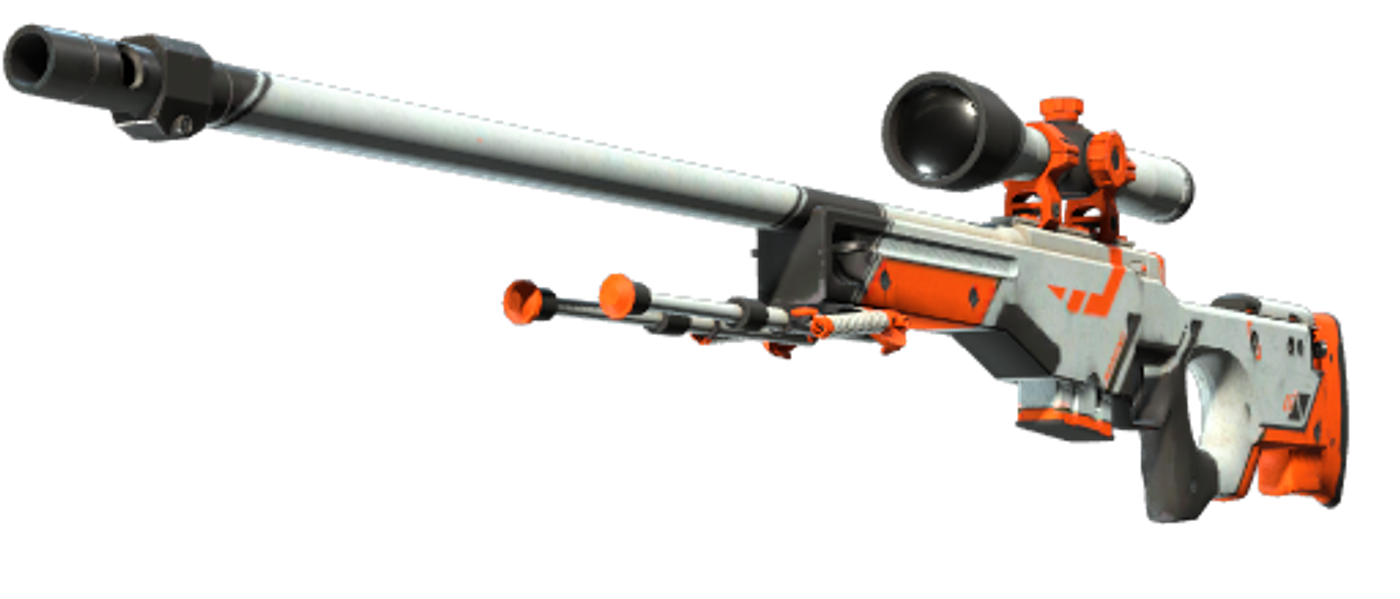
Two AWP | Asiimovs sit on the market. Same skin, same StatTrak status — one costs double. The difference is a single number you cannot see in the inventory screen: the float value. Understanding it is the difference between buying smart and overpaying.
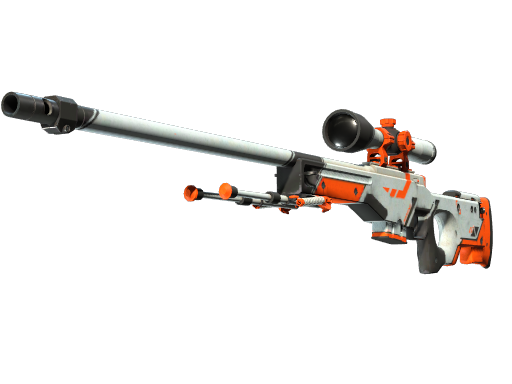
AWP | Asiimov
The five wear tiers
- Factory New (0.00–0.07): pristine, biggest premiums.
- Minimal Wear (0.07–0.15): tiny scuffs, usually the value sweet spot.
- Field-Tested (0.15–0.38): visible wear, the liquidity king — most trades happen here.
- Well-Worn (0.38–0.45): heavy wear, thin supply, oddly priced.
- Battle-Scarred (0.45–1.00): maximum wear — but some skins are iconic precisely in BS.
Float caps: when Factory New does not exist
Every skin defines its own min and max float inside the 0–1 range. Some can never drop below 0.15 — no Factory New copies exist, ever — which makes the cleanest possible copies of capped skins quietly collectible. Each item page in our shows the exact float range plus the live price for every wear tier, so you can see exactly where the price cliffs are.
Frequently Asked Questions
What is a float value in CS2?
A number between 0 and 1 assigned to every skin at creation that determines how worn it looks. Lower float means cleaner skin. It never changes after creation.
Why is the same skin sometimes double the price?
Wear tiers. A Factory New copy looks cleaner than a Battle-Scarred one, and collectors also pay premiums for extreme floats near 0 or rare pattern seeds.
Can two skins in the same wear tier look different?
Yes. Wear tiers are ranges — a 0.16 Field-Tested skin looks dramatically better than a 0.37 one. Always check the actual float, not just the tier label.