calendar_todayOctober 20, 2026Updated Oct 20, 2026
A cheap Butterfly Knife is cheap relative to other Butterfly Knives, not necessarily to the rest of the CS2 knife market. Model demand, exterior, finish and listing availability all affect the comparison. Start with a shortlist, then compare the same variant rather than a headline price.
What this shortlist means
These are finish candidates found in SlothiW's catalogue and the reference guide, not a claim that one copy is the cheapest across every marketplace. The order can change as offers appear or disappear.
Item-card prices are a starting point for the finish. Open the full item page and choose the exterior you actually want before treating two offers as comparable. Check normal versus StatTrak status as well.
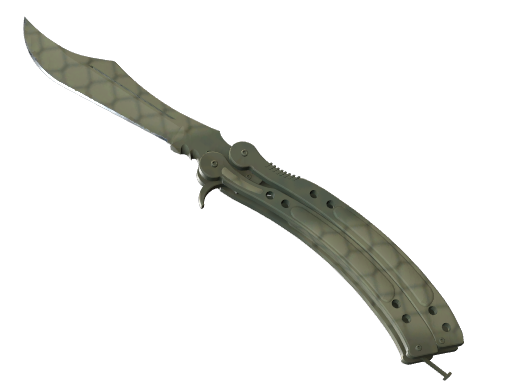
Safari Mesh: a muted camouflage option
Safari Mesh is worth checking if your priority is the Butterfly model rather than a bright premium finish. Inspect visible paint wear on the actual copy. A broad exterior category can contain more than one appearance you might be willing to use.
Open the item page to inspect the actual finish and compare the relevant wear and variant.
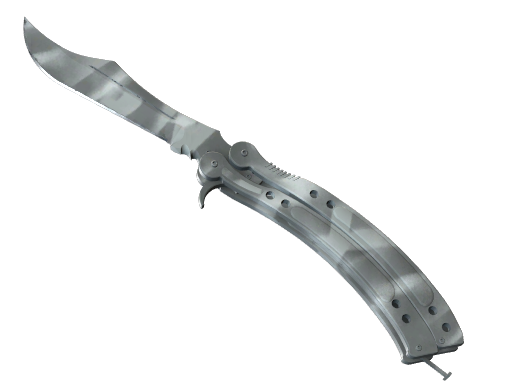
Urban Masked: neutral gray styling
Urban Masked offers a neutral look that can fit several loadouts. Compare the visible blade with a similarly worn Safari Mesh instead of assuming the two finishes have the same supply or price at the same moment.
Open the item page to inspect the actual finish and compare the relevant wear and variant.
Original SlothiW learning diagram. Follow the current game interface for live rules.
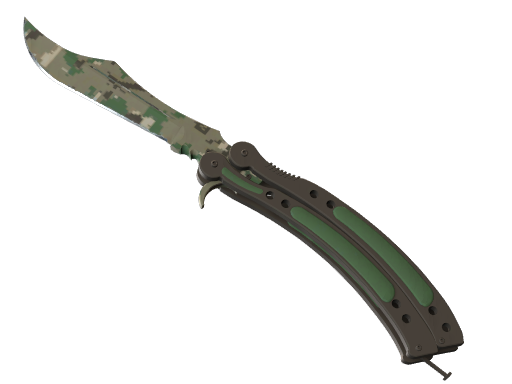
Forest DDPAT: digital camouflage
Forest DDPAT is another candidate for a lower-cost model-first purchase. Inspect both sides and the wear that matters in normal play. If a heavily worn copy looks acceptable to you, record that preference before comparing a more expensive exterior.
Open the item page to inspect the actual finish and compare the relevant wear and variant.
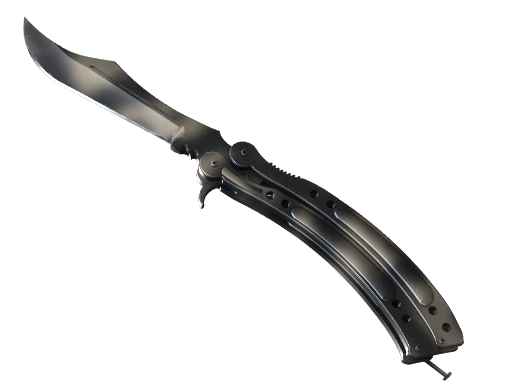
Scorched: a darker finish
Scorched is useful to compare when you prefer dark tones. Wear can expose more metal, so a cheap listing's photograph is more useful than assuming every copy resembles a generic catalogue image.
Open the item page to inspect the actual finish and compare the relevant wear and variant.
Ultraviolet: compare the premium for the color scheme
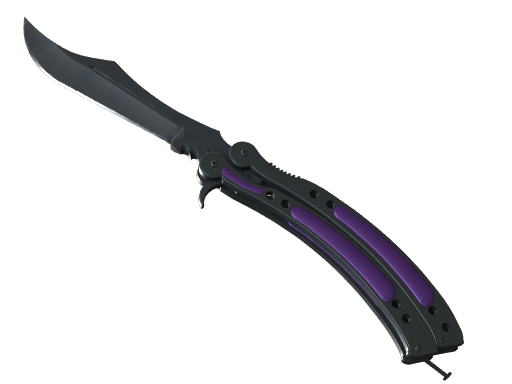
Ultraviolet adds a black-and-purple option to the shortlist. It may sit above the cheapest camouflage finishes in a particular market, so compare whether that visual difference is worth the additional amount to you.
Open the item page to inspect the actual finish and compare the relevant wear and variant.
A fair price comparison
Do not combine the lowest asking price from one exterior with an inspection image from another. Save the listing and image together while deciding.
A cheaper knife model can be a sensible alternative if the Butterfly animation is not your main reason for buying. Decide the model preference first so you do not drift into a larger budget while comparing finishes.
Choose the same Butterfly finish and exterior for each candidate.
Separate normal items from StatTrak variants.
Inspect actual float, appearance and any unusual pattern claim.
Compare current availability and the final amount charged.
Check trade restrictions and keep Steam Wallet values separate from cash-market values.
Quick answers
Is Safari Mesh always the cheapest Butterfly?
No. Compare current offers for the same exterior and variant.
Does a cheap Butterfly perform differently in combat?
Skin finish pricing is a cosmetic comparison, not a weapon-stat upgrade.
Should I open cases to get a specific budget finish?
A direct listing is the way to compare a known item; a container outcome is uncertain.
Sources and image notes
Checked on 20 October 2026. The cover is an original AI-generated concept illustration; diagrams are original learning aids. Use real item inspections and the current client for exact visuals, rules and availability.