
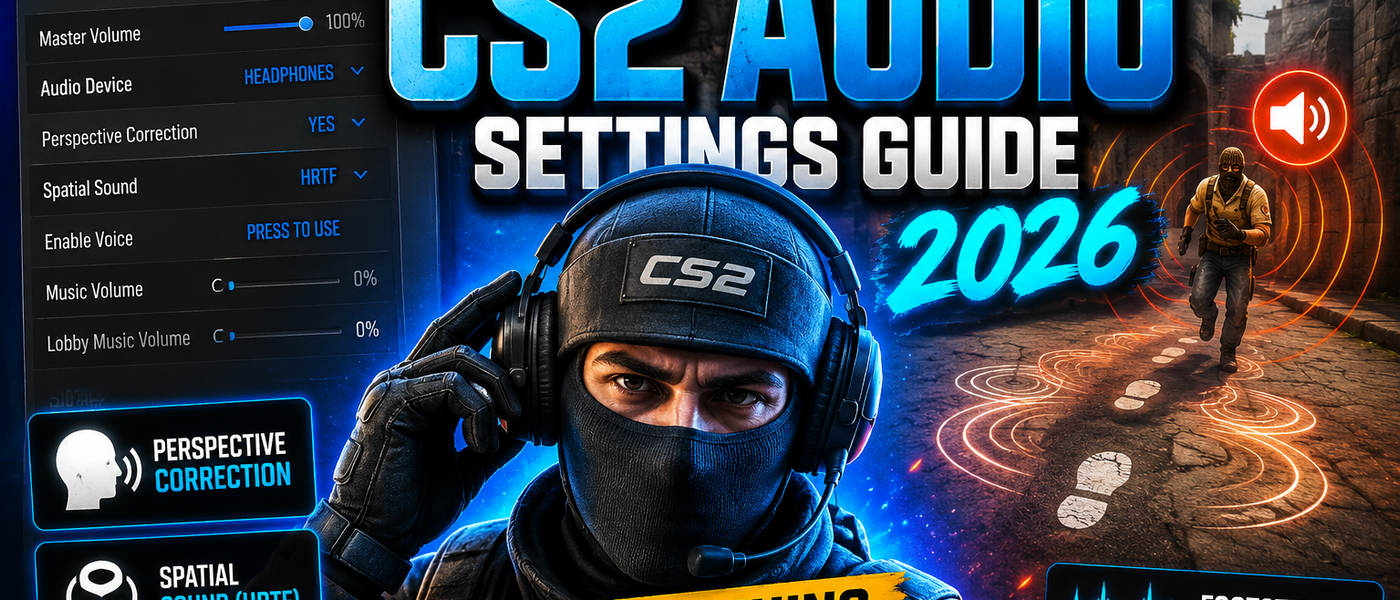
The Ultimate CS2 Audio Settings Guide 2026: Perspective Correction, Spatial Sound, and Footstep Localization

In competitive Counter-Strike 2, sound is as vital as raw aiming mechanics. Hearing an enemy's footstep on Nuke's A-site rafters or pinpointing a bomb plant fake on Mirage through a thick smoke wall often dictates the outcome of clutch rounds. In this comprehensive 2026 guide, we break down optimal audio settings, explain Perspective Correction, and share pro configuration secrets to maximize 3D sound positioning.
1. Demystifying Source 2 Spatial Audio: Perspective Correction Explained
Perspective Correction adjusts the stereo panning and distance cues based on your in-game Field of View (FOV). On multi-level maps like Nuke and Vertigo, it calculates HRTF filters to distinguish whether footsteps are above or below your position. Setting Perspective Correction to YES is strongly recommended.
2. Calibrating L/R Isolation (Stereo Width)
Setting L/R Isolation between 50% and 75% provides sharp directional distinction when an enemy jumps behind a corner, while retaining enough cross-ear audio to judge distance accurately without creating dead zones.
3. Footstep Frequency EQ Tuning
Footsteps sit predominantly between 1 kHz and 4 kHz. Cutting sub-bass below 100 Hz by 3-6 dB reduces deafening grenade rumble, while boosting 1.5-3.5 kHz by 2-4 dB elevates footstep clicks on metal and wood surfaces.
Conclusion
Mastering CS2's audio engine gives an immediate advantage. Enable Perspective Correction, set L/R Isolation to 50-75%, and fine-tune your EQ to hear enemies earlier and clutch with confidence.