
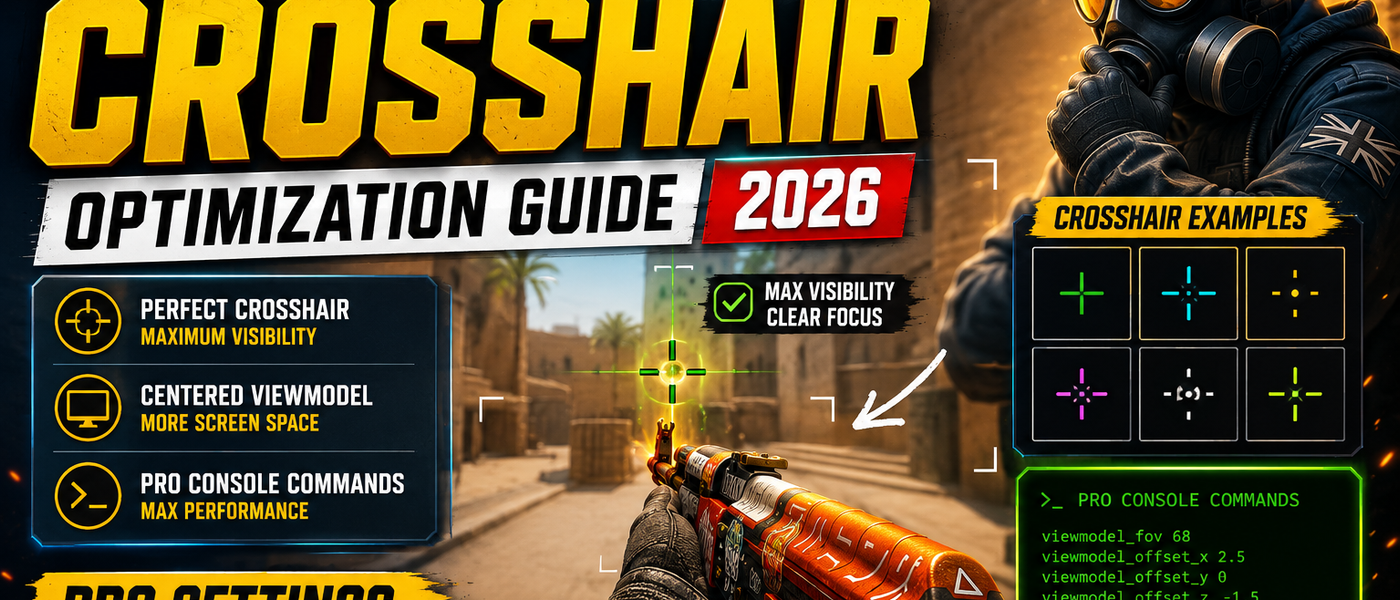
CS2 Viewmodel & Crosshair Optimization Guide 2026: Centered Viewmodels, Pro Console Commands, and Screen Visibility

In Counter-Strike 2, maximizing screen real estate and visual clarity can mean the difference between spotting an enemy's shoulder peeking past Mirage Connector or being caught off guard. In this 2026 guide, we explore why tier-1 pros are shifting toward centered viewmodels, breakdown essential console commands, and share optimal crosshair setups for headshot consistency.
1. Why Pro Players Are Switching to Centered Viewmodels
Centering the weapon model opens up bottom-corner peripheral vision, making it far easier to spot enemies crouching under sites. Positioning the gun barrel closer to the screen center of mass also reduces visual clutter during sub-tick counter-strafing.
2. Core Viewmodel Console Commands
Configure viewmodel_presetpos 0, viewmodel_fov 68, viewmodel_offset_x 1.5, viewmodel_offset_y 1.0, and viewmodel_offset_z -2.0 for a clean, high-visibility viewmodel favored by competitive anchors.
3. Optimizing Crosshair for Sub-Tick Precision
Classic Static (Style 4) in cyan or bright green remains the gold standard for reliable click-timing, while Follow Recoil is ideal for learning spray patterns. Align your viewmodel hand (cl_righthand) to your non-dominant eye for optimal lane focus.
Conclusion
Fine-tuning your viewmodel and crosshair settings maximizes visual clarity. Test these pro settings in your next Premier match to elevate your performance!